GetWill, and the case for keeping Word open
A familiar form turns out to be a useful test of how much work a piece of software really saves.
Contents 4 sections

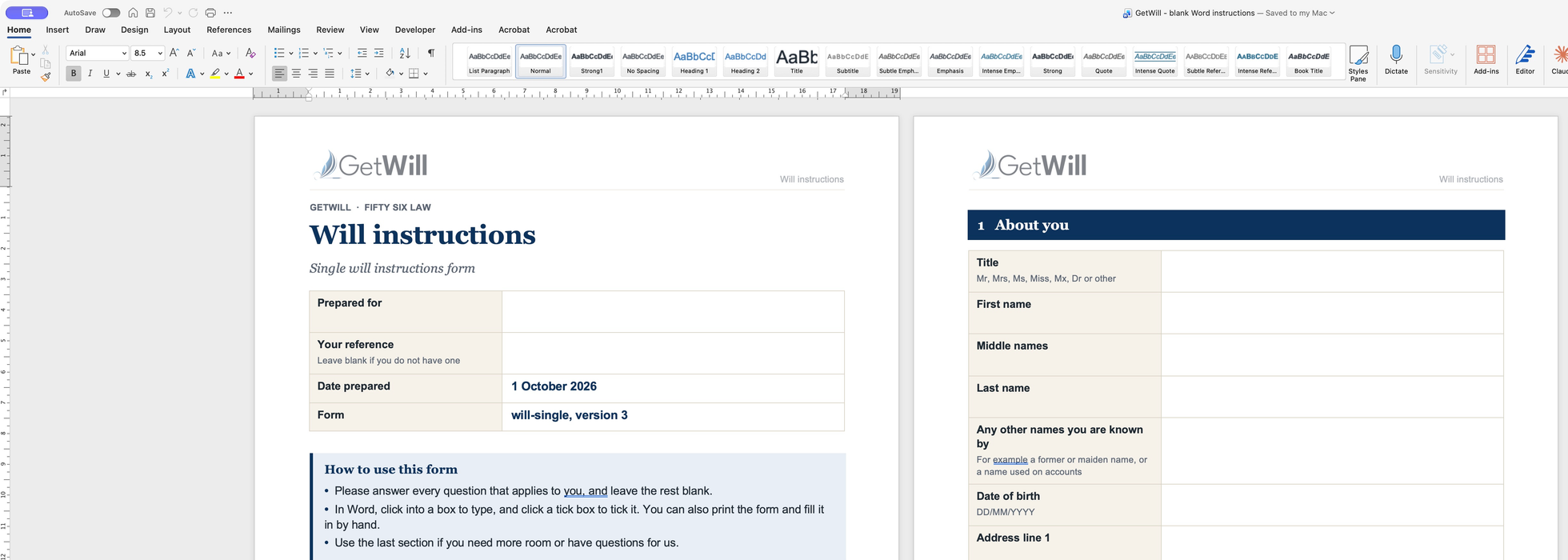
Open one of GetWill’s instruction forms in Microsoft Word and you get a fairly ordinary document. Questions, boxes to type in, boxes to tick. You can save it, come back to it, and send it back when you’re ready.
Quite a lot of work has gone into making it that ordinary.
For a fee earner, Word is already part of the working day. So are the firm’s existing ways of taking instructions and reviewing documents. Learning another system takes time, and the case still needs doing while you’re learning it. A new piece of software has to save enough work to justify the disruption it causes.
I don’t think building GetWill entitles me to ask people to drop every system they know and move into a proprietary one I’ve made. I want to meet clients and fee earners where they already are. For a lot of legal work, that means Microsoft Office.
GetWill brings together solicitor-reviewed wills, Lasting Powers of Attorney and probate support for England and Wales. My tech company, Ailex, provides the platform. My law firm, Fifty Six Law, provides the legal services. Back in February, I wrote about the drafting engine: how it turns structured instructions into a will, and why the decisions behind the document matter so much.
That leaves a question which has occupied a good deal of the work since. How do the instructions get there?
An online questionnaire is one answer. A Word document is another. If the Word route ends with a member of staff copying every answer into a website, the form has only postponed the typing. The useful part is getting those answers back into the system with their meaning intact.
The difficult part is the return journey
Generating a document is a relatively comfortable task for software. It knows what information it has and where to put it. Reading that document after somebody has worked on it is a different proposition.
Take a deliberately simple example. John Smith appears as an executor, one of the people who will deal with the estate. Further down the form, John Smith is named as someone receiving a gift.
They might be the same person. They might be a father and son. The names alone don’t settle it.
If the importer combines them, the result can look completely tidy while being wrong. There may be no obvious error message, no missing box, nothing to attract attention. Just one person where there should have been two.
So GetWill keeps track of people already known to the case and asks staff to resolve ambiguous matches. It can carry established identities through a pre-filled form and back again. Where a new name could refer to somebody already listed, that uncertainty becomes a decision for the person reviewing the import.
That distinction matters more than how quickly the file can be read. A fast import that leaves the fee earner checking every name against the original hasn’t saved as much work as it appears to.
Then there are the empty boxes.
Suppose the case already contains details of two children, but the children section on a returned form is blank. That could mean the person skipped it because they had already supplied the information. Treating the blank section as an instruction to remove the children would be a remarkable interpretation of an empty box.
The import therefore preserves existing information where an unanswered section doesn’t establish a change. Explicit answers and staff decisions can change the record. Silence needs more care.
This is where a feature described as “Word import” becomes a much more interesting piece of engineering. The job includes working out what has changed, what has stayed the same, and what still needs asking.
Send the same form back twice
One of the most useful checks is almost disappointingly simple: take a form filled with information from the system and return it without changing anything.
Nothing should happen to the instructions.
The same people should still be there, with the same roles. Existing notes shouldn’t acquire a second copy of themselves. An unanswered question shouldn’t become an answer just because the file has been opened and saved in Word.
Now do it again.
A process that quietly changes the record each time around is going to make a mess of a real case. Documents get sent back more than once. People make partial corrections. A fee earner may need to return to a piece of work after somebody else has looked at it.
The tests cover those repeated journeys, people with the same name, and contradictory ticks. They check the information that comes back, including what must remain unchanged. That gives me something much more useful than a demonstration that a file can be uploaded successfully.
It also puts a boundary around what the software is allowed to infer. If two answers conflict, it should bring the conflict to somebody’s attention. Tidying it away would make the screen look better at the expense of the instructions.
There’s nothing particularly exotic about any one of these problems. Putting them together is what makes the familiar document a usable part of the application.
The browser has to keep its promises too
The same concern runs through the online questionnaire. Someone should be able to stop, change an answer or go back without having to understand how the application stores its data.
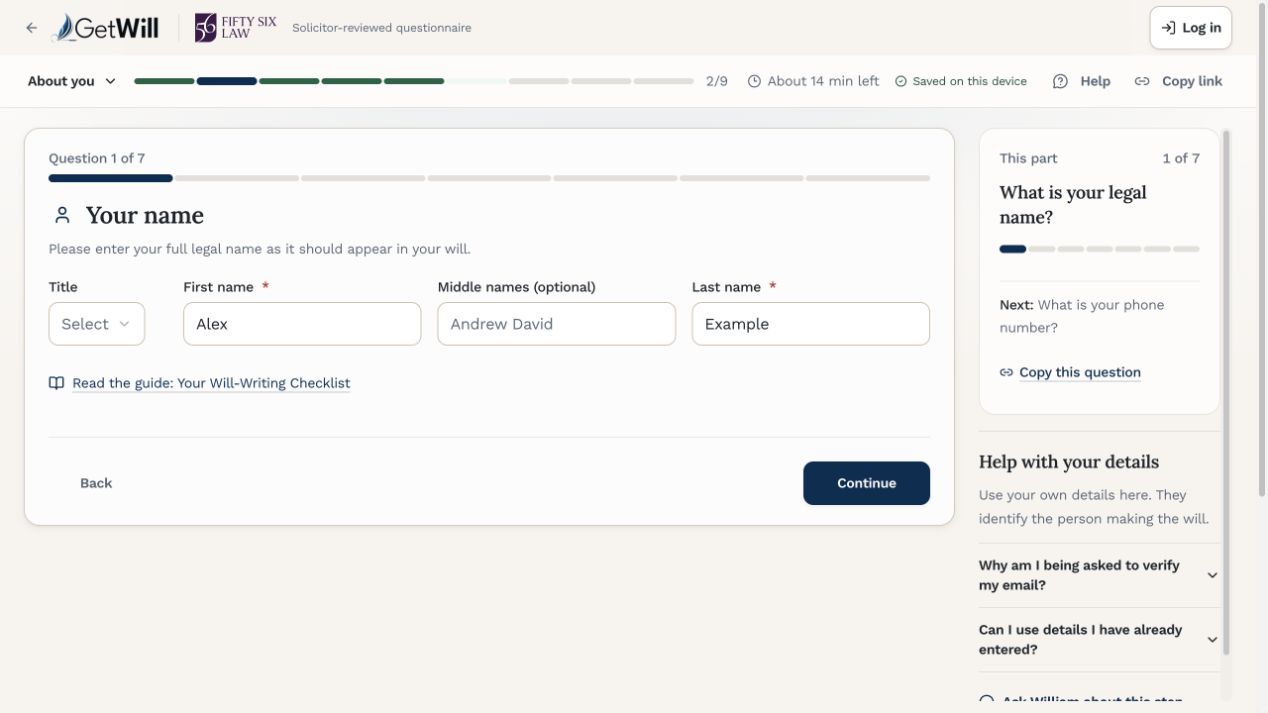
A recent piece of development work on LPA saving illustrates the problem. You change an answer and it starts saving. Before the request finishes, you make another change. The first save succeeds, but it only contains the earlier answer.
Displaying “saved” at that point can be misleading. The answer on screen may still be waiting to go anywhere.
The save handling needs to remember exactly which answers the server acknowledged, for which account and application. If you’ve carried on editing, the newer version still needs saving. The browser tests hold a response back, make another edit, then check what was actually stored.
It’s the same question as with the returned Word form: has the system preserved what the person actually did?
I’ve also been bringing the questionnaires onto shared foundations, so that familiar actions work consistently across the services. The legal questions differ. Finding help, changing an address and understanding progress shouldn’t require learning the product again.
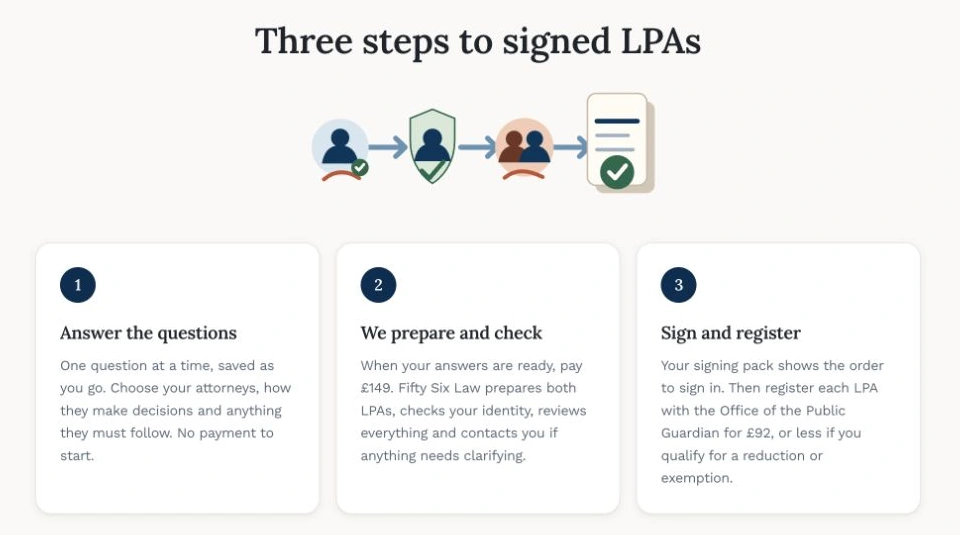
These details are easy to leave out of a demonstration. They become rather more noticeable when you’re the person trying to finish something.
Keeping Word open
There is an appealing neatness to building a system in which everybody does everything in one place. All the information arrives in the expected shape. Every step happens in order. Nobody sends a document back with half the boxes unanswered.
But the fee earner has a working day already. The client has their own preferences and may need help answering the questions. My application’s neatness doesn’t remove either of those facts.
Making Word part of the workflow has forced me to account for them. A document can leave the system, be worked on in a familiar application, and return without the person doing the work having to become an expert in GetWill’s internal structure. The software has to do more to make that possible, which seems a reasonable division of labour.
The drafting engine is still an important part of what I’ve built. The work around it determines whether people can use it comfortably in the first place.
A fee earner keeping Word open and getting on with the case is a perfectly good outcome for GetWill. If the instructions arrive intact and there is less retyping and checking to do, it has earned its place.